Download, Convert and Transcribe with Kingo
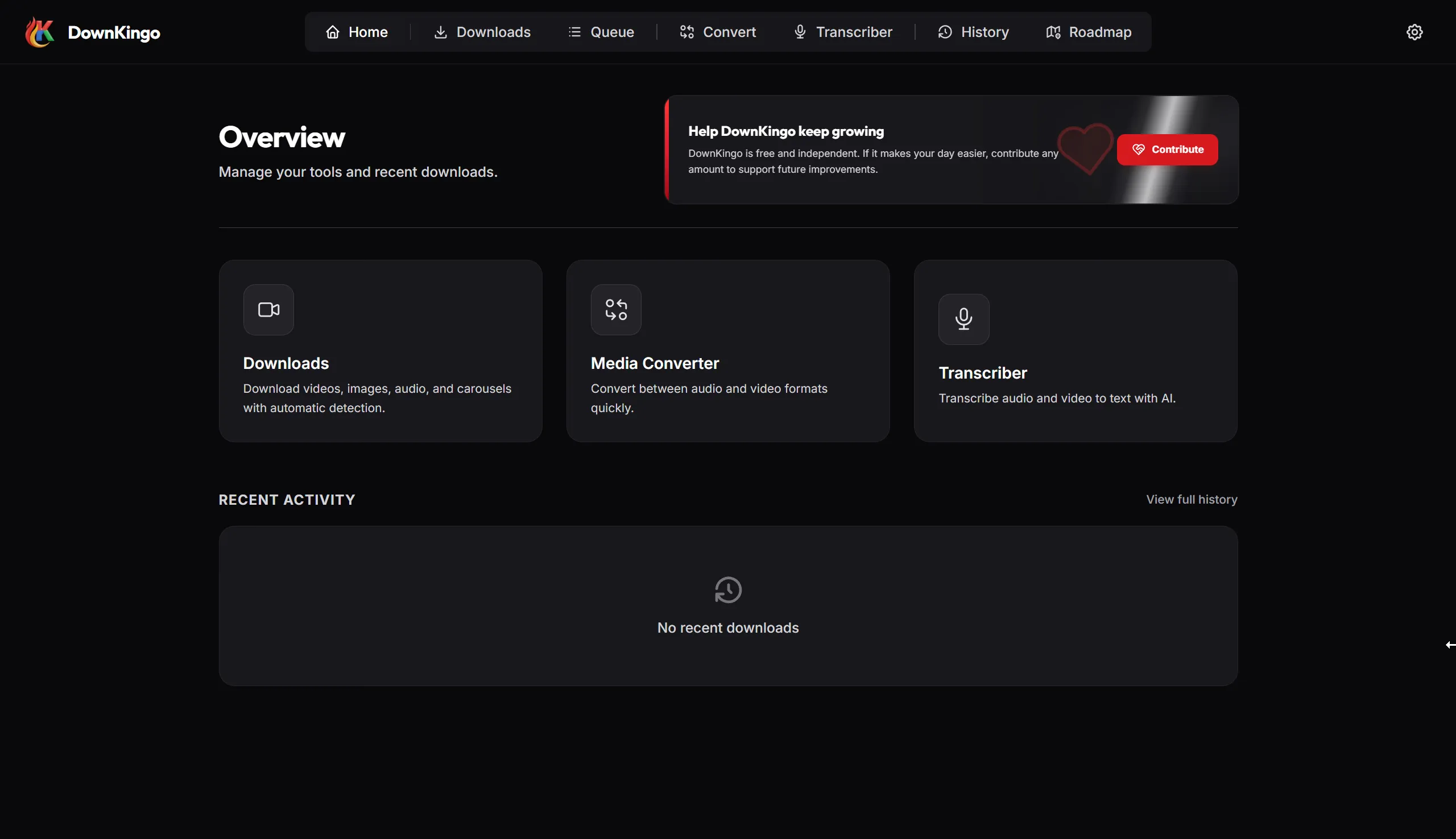
DownKingo is a desktop app for downloading video, audio, images, and social media carousels — with a converter, video editor, styled captions, and private local transcription in the same workflow.
Supported Platforms
One App.
Three Workflows.
Download media, convert files, and transcribe audio without sending your work through a chain of browser tools. DownKingo keeps the core workflow in one open-source desktop app.
Open Source by Design
The source, releases, and public roadmap are available on GitHub under the MIT license.
Local-First Tools
Conversion, editing, caption rendering, and Whisper transcription run on your computer.
Download With
Control.
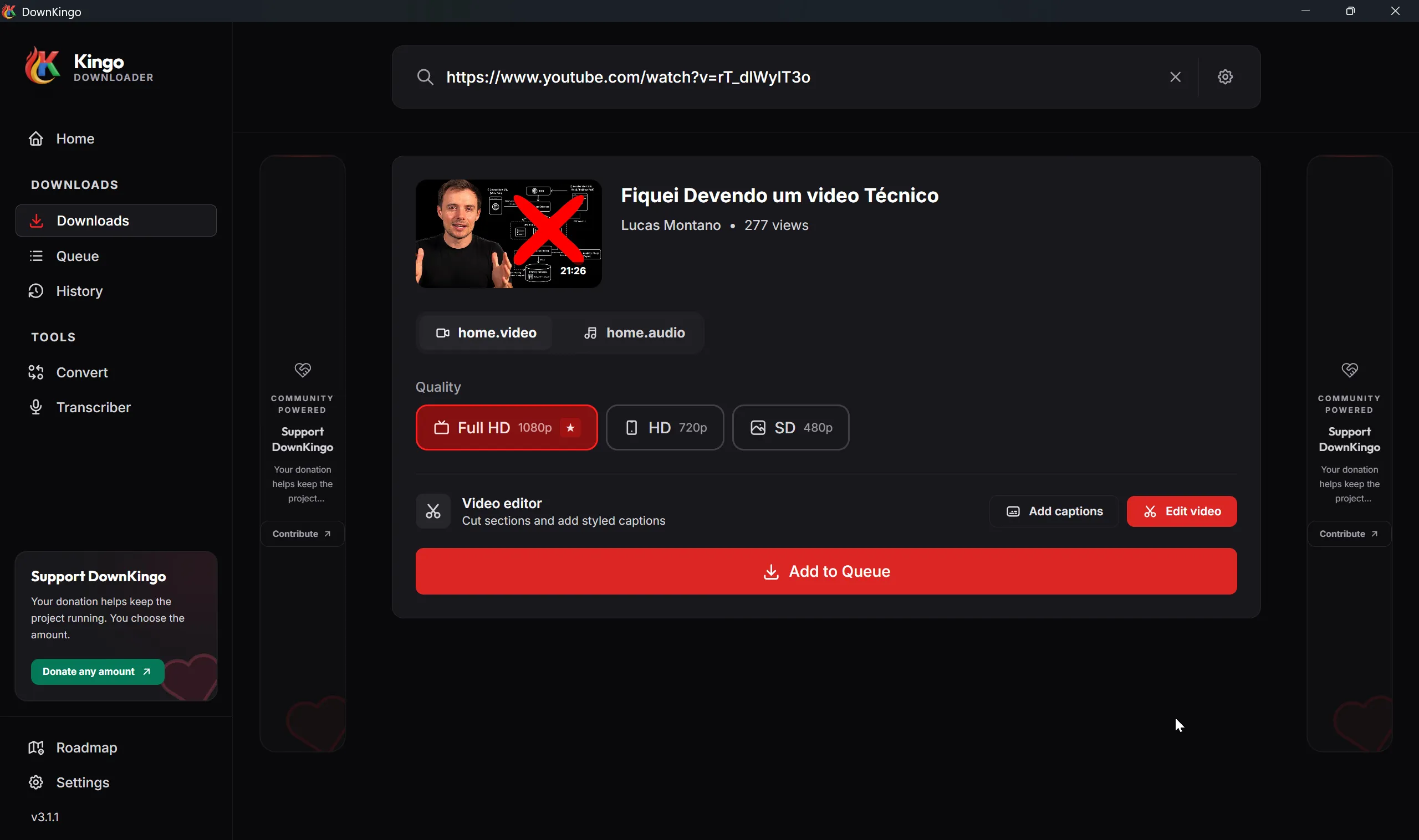
Paste a link, inspect the media, choose video or audio and the available quality, then send the job to a persistent queue you can follow or cancel.
Video, Audio & Images
Handle common video and audio formats plus compatible images and social media carousels.
yt-dlp + Optional aria2c
Use yt-dlp coverage and enable segmented aria2c downloads when the source supports them.
Edit Before
You Download.
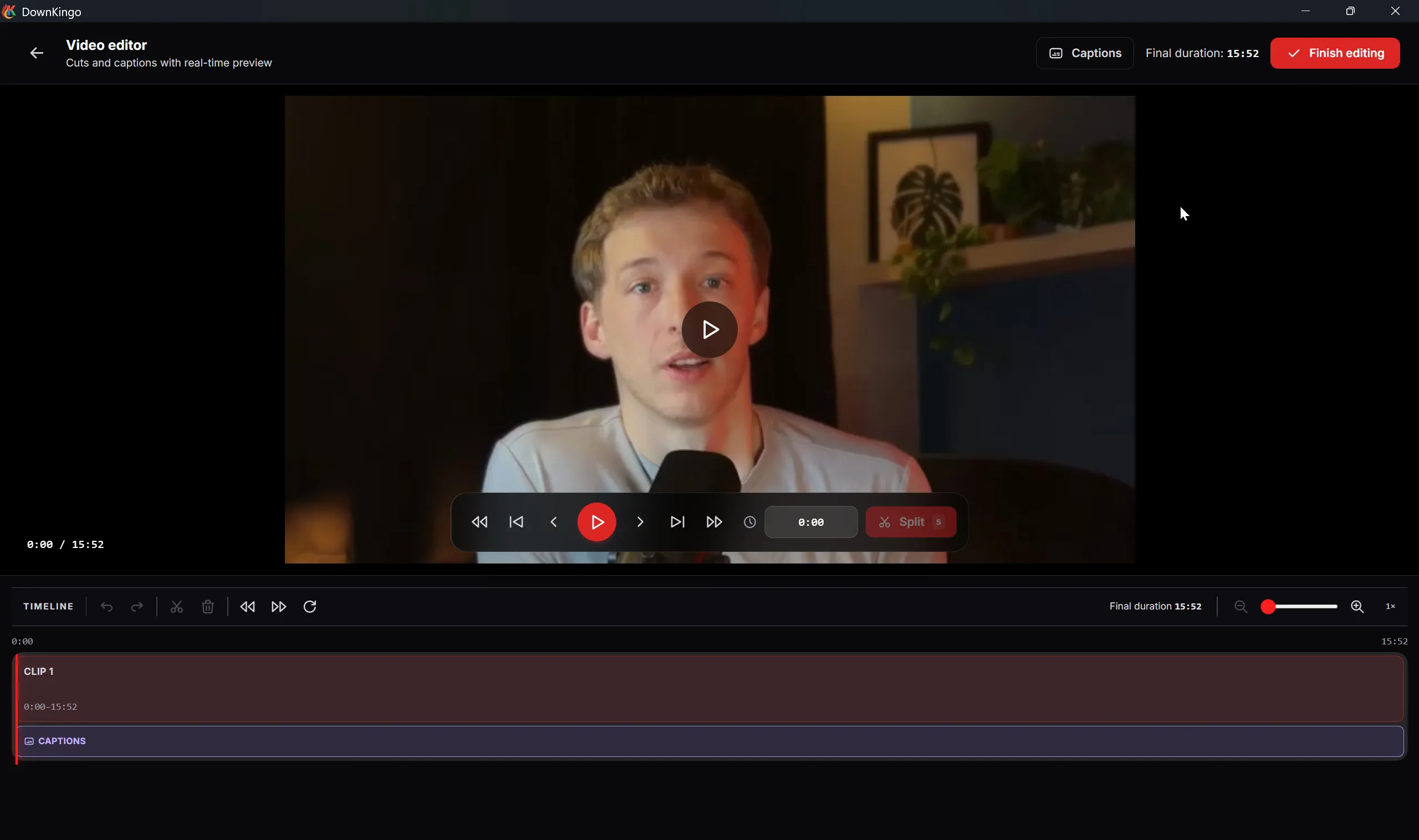
Trim unwanted sections and prepare captions before the final file is rendered, so the download arrives closer to the result you actually need.
Timeline Editing
Preview the video, split the timeline, remove sections, and review the final duration.
Styled Captions
Import available subtitles or use local Whisper, revise the text, and burn styled captions into the video.
How to Download Videos
in 3 Simple Steps.
Copy the Link
Navigate to your favorite video on YouTube, Instagram, TikTok, or Twitter and copy the URL from the address bar or share button.
Paste in DownKingo
Open the DownKingo app. It will automatically detect the copied link from your clipboard. Select your desired format (MP4 or MP3).
Instant Download
Add the job to the queue and follow its progress. DownKingo downloads the selected streams, processes them locally, and saves the finished file to your chosen folder.
A desktop workflow, not another converter tab.
DownKingo keeps downloads, the persistent queue, local history, media conversion, editing, captions, and transcription together. You can inspect the open-source code and see what runs on your machine.
Version 3.1.2 is the current Windows release. Linux and macOS builds available today are legacy versions while the current cross-platform packages are prepared.
Development remains public: requested features and progress are tracked on the public roadmap.
Open By
Design.
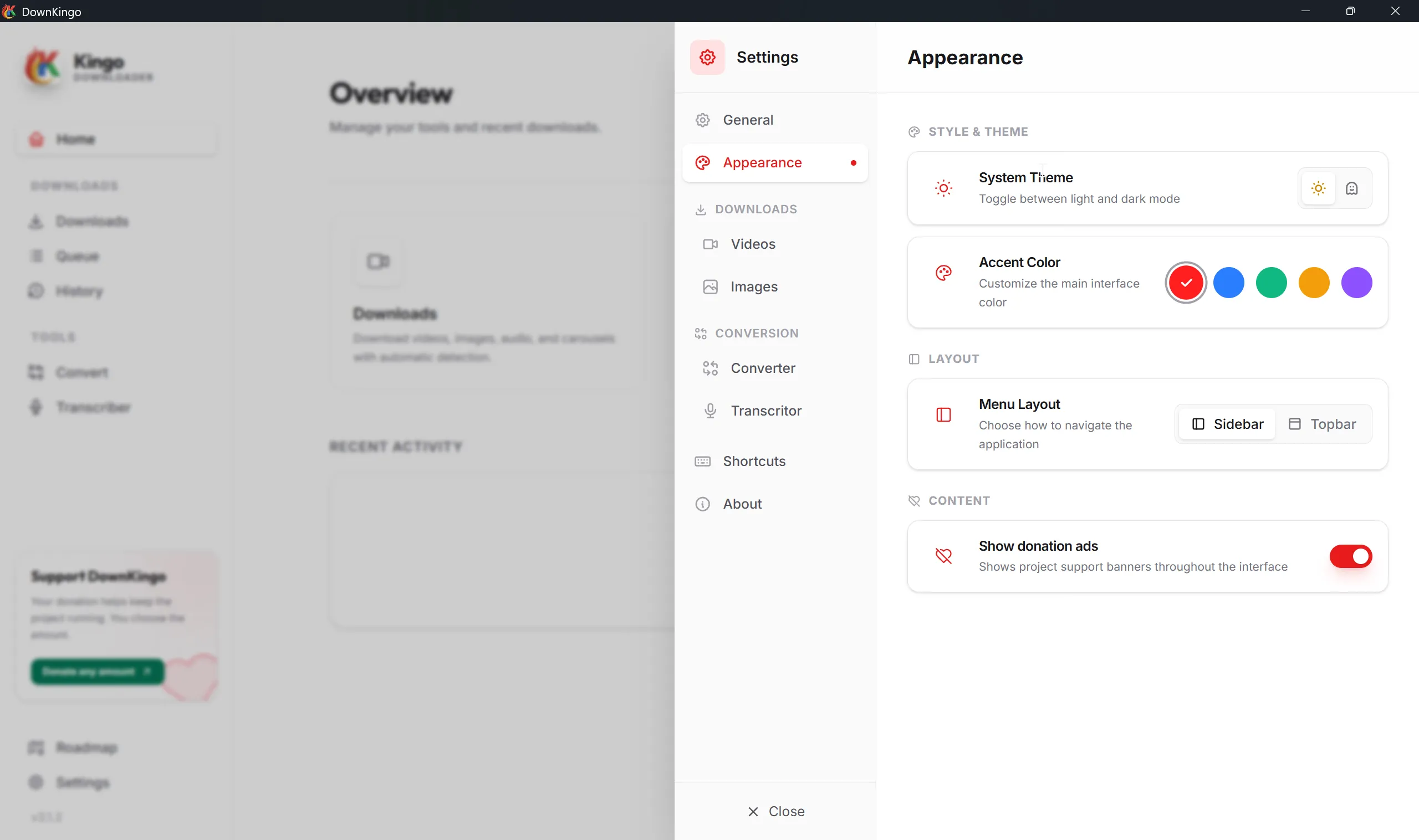
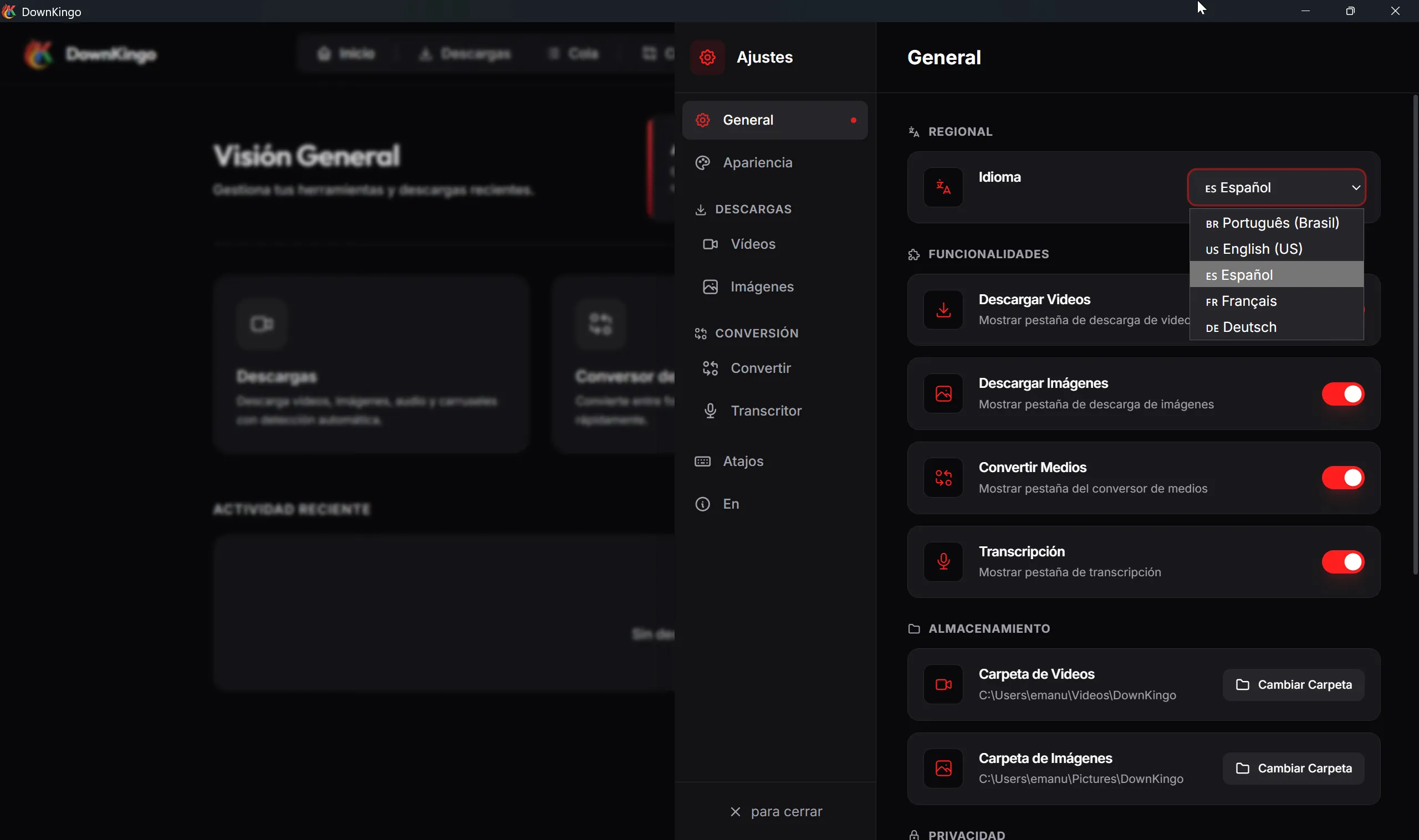
The code is public, usage telemetry is absent, and the roadmap is visible. Inside the app, you can also choose the theme, accent, navigation layout, and one of five interface languages so the workspace feels like yours.
Open Source
Kanban Board
The Toolkit.
Practical tools for the work that happens around a download.
Smart Converter
Built-in FFmpeg wrapper to convert video, audio, and images between formats effortlessly.
Local Transcription
Turn audio or video into text with Whisper.cpp after installing a model. The media stays on your computer.
Zero Telemetry
Privacy by design. No tracking servers. Your usage data never leaves your device.
Polyglot
Localized in 5 languages: English, Portuguese, Spanish, French, and German.
Keep the quality and format that fit the job.
DownKingo shows the streams available at the source, lets you choose video or audio quality, and uses FFmpeg when the selected tracks need to be joined, remuxed, or converted.
- MP4 / MKV
- H.264 / VP9 / MPEG-4
- WebM / AVI
- MOV
- MP3 / AAC
- M4A / Opus
- FLAC / WAV
- OGG
- JPG / PNG / WebP
- Instagram Carousels
- Local Transcription
- TXT / SRT / VTT / DOCX